How to Avoid GTA 6 Spoilers: Your Spoiler Shield
Short answer: Copy the mute-word list below, add it to X and TikTok keyword filters, and stop YouTube from recommending story channels for a while. GTA6Geek will mark any story details after launch with a spoiler warning.
By Ryan Brooks · Sources checked by GTA6Geek Editorial · Published · Updated
 Image: Rockstar Games
 WhatsApp
 Facebook
 X
X Reddit
 Telegram
On this page
Copy the mute-word list
Add these words and phrases to your mute or filter settings. Add character names you want to protect too.
Turn on filters app by app
- X (Twitter): Settings and privacy, then Privacy and safety, then Mute and block, then Muted words. Add each word and choose “From anyone”.
- TikTok: Settings and privacy, then Content preferences, then Filter keywords. Add the words for your For You and Following feeds.
- YouTube: there is no keyword mute. Tap the three dots on story videos and pick “Not interested” or “Don’t recommend channel”, and avoid searching for GTA 6 story videos.
- Reddit: mute communities that post story content, and check posts tagged as spoilers before you open them.
- Instagram: Hidden Words filters comments and message requests, not your feed. Mute accounts that post story clips.
How GTA6Geek handles spoilers
- Before launch we do not post leaked story content.
- After launch, story details go inside clearly marked spoiler sections and never in page titles or image previews.
- Guides like the beginner guide and launch fixes stay spoiler-free.
Sources
- X Help: How to use advanced muting ↗
- TikTok Support: Filter keywords ↗
- Rockstar Games: Grand Theft Auto VI ↗
Last checked: 24 Oct 2026. Labels: Official = Rockstar or platform holder, Reported = previews or press, Unconfirmed = not stated by Rockstar.
What to read next
Frequently asked questions
How long should I mute GTA 6 words?
Until you finish the story. Many players keep filters on for two to four weeks after launch.
Can I mute words on YouTube?
No. YouTube has no keyword mute for recommendations. Use “Not interested” and “Don’t recommend channel” instead.
Will GTA6Geek post spoilers?
Only after launch, inside marked spoiler sections. Never in titles or thumbnails.
Related articles
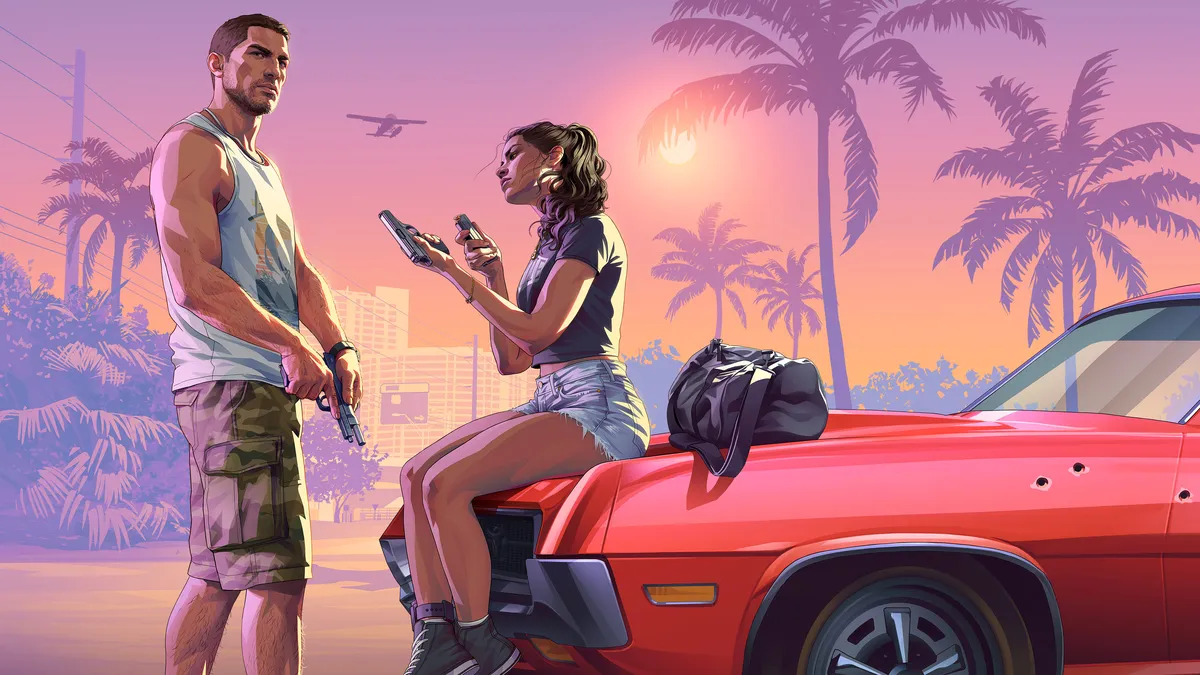 Image: Rockstar Games
 Image: Rockstar GamesImage: Rockstar GamesImage: Rockstar Games
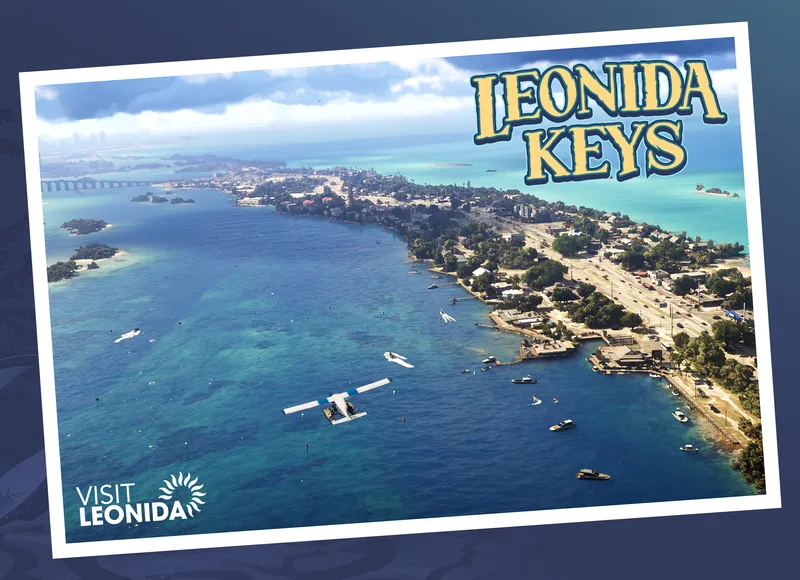 Image: Rockstar Games
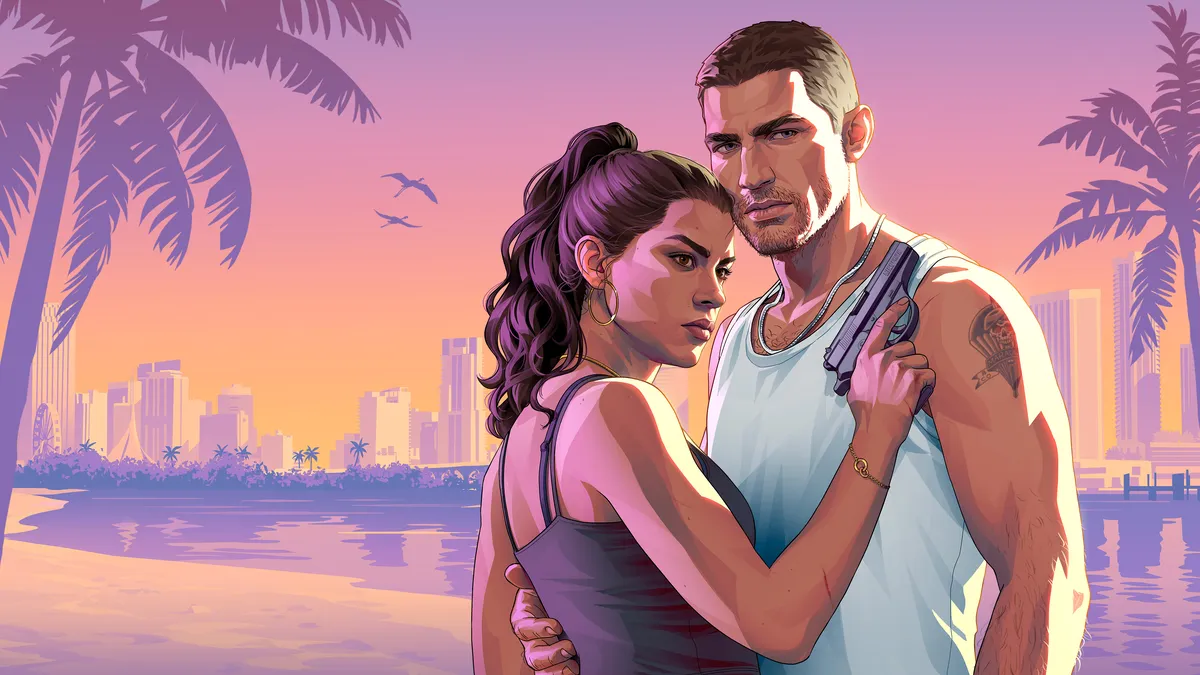 Image: Rockstar Games