How to Save Your Game in GTA 6
Short answer:Pause, open the Game section, choose Save and pick one of 15 slots, per Beebom.
By Jake Morrison · Sources checked by GTA6Geek Editorial · Published · Last updated · 3 min read
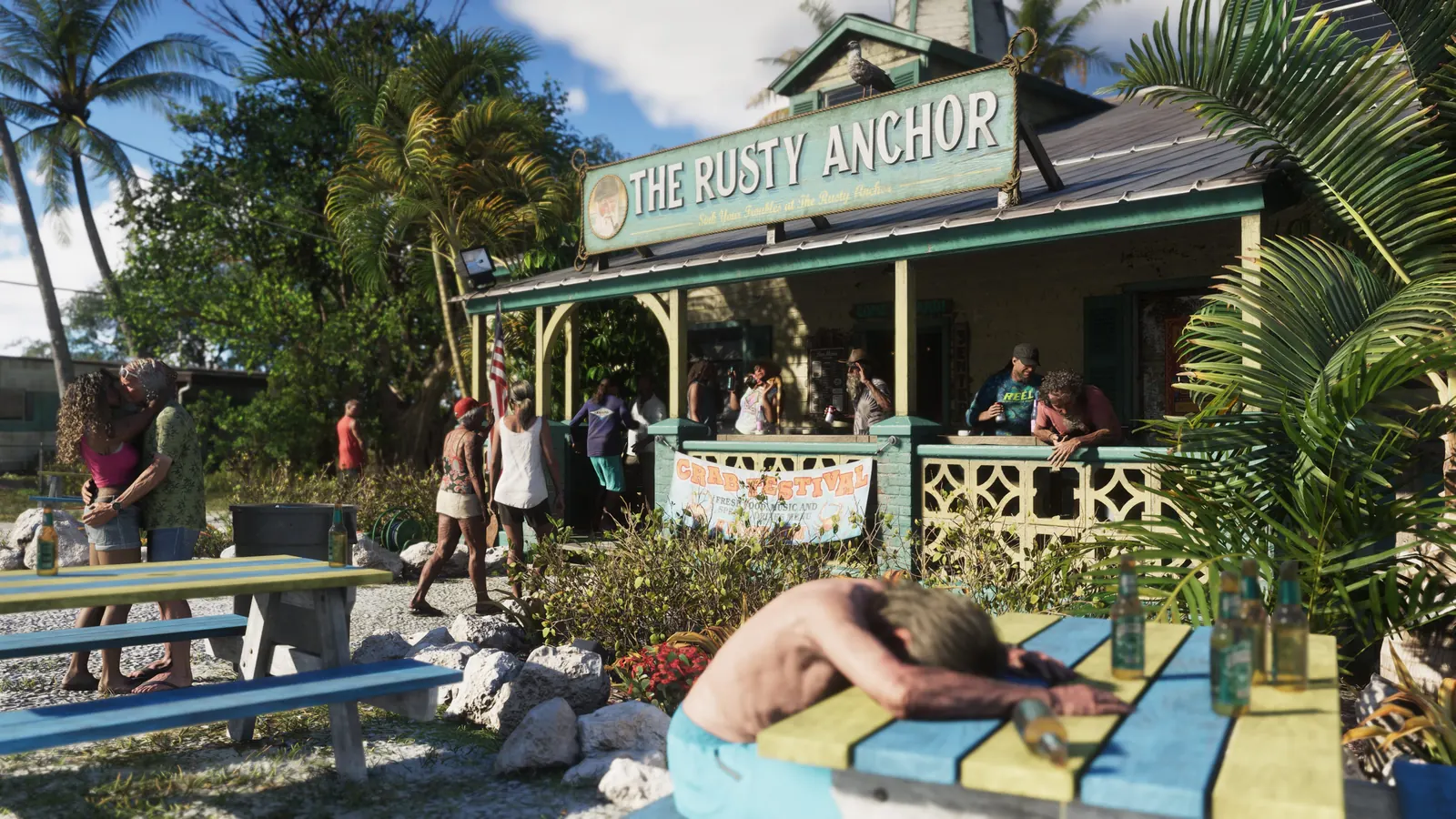 Image: Rockstar Games
 WhatsApp
 Facebook
 X
 Reddit
 Telegram
On this page
What happened
GTA 6 has manual saves and an autosave. Beebom explains how each works and a caveat to know about before missions.
Is this real? Yes, reported by major outlets
Who said it:Beebom, in its GTA 6 save guide.Sources:Beebom.Our view:Save before you start a mission, since manual saving is not possible during one.Checked:19 Nov 2026.
Manual save
- Pause the game with Options on PS5 or Menu on Xbox Series X|S.
- Open the Game section and select Save.
- Choose one of the 15 save slots. You can overwrite an existing slot.
- Manual saving is not available during missions.
Autosave
- The game saves progress automatically into a single autosave slot, so each new autosave replaces the previous one.
- Autosaves do not overwrite your manual saves.
Tip
- Beebom recommends saving before missions or major story choices. Some renovation tasks at Jason’s house become unavailable after Lucia is picked up.
Our view
Keep a few manual slots rather than relying on the one autosave.
Sources
What to read next
Frequently asked questions
How many save slots does GTA 6 have?
15 manual slots plus one autosave slot, per Beebom.
Can I save during a mission?
No. Manual saving is not available during missions, per Beebom.
Does autosave overwrite manual saves?
No, per Beebom.
Latest news
GTA 6 Xbox
Mashable: GTA 6 runs smooth on Xbox Series S after a few hours of play
Made by fans, for every GTA 6 player. Unofficial guide, not affiliated with Rockstar Games or Take-Two.Unofficial guide. GTA6Geek TrailersGuidesDatabaseMapCharactersYour countryPriceNews Language…
By Jake Morrison · Published November 19, 2026

News
GTA 6 drops a long-running franchise feature, Rockstar explains why
Made by fans, for every GTA 6 player. Unofficial guide, not affiliated with Rockstar Games or Take-Two.Unofficial guide. GTA6Geek TrailersGuidesDatabaseMapCharactersYour countryPriceNews Language…
By Jake Morrison · Published November 19, 2026
News
BBC: DJ Lag, Burna Boy and Asake feature on GTA 6 AfroBank FM
Made by fans, for every GTA 6 player. Unofficial guide, not affiliated with Rockstar Games or Take-Two.Unofficial guide. GTA6Geek TrailersGuidesDatabaseMapCharactersYour countryPriceNews Language…
By Jake Morrison · Published November 19, 2026
News
GTA 6 is rated M for Mature 17+: what parents need to know
Made by fans, for every GTA 6 player. Unofficial guide, not affiliated with Rockstar Games or Take-Two.Unofficial guide. GTA6Geek TrailersGuidesDatabaseMapCharactersYour countryPriceNews Language…
By Jake Morrison · Published November 19, 2026
Related articles
 Image: Rockstar Games
 Image: Rockstar Games
 Image: Rockstar Games
 Image: Rockstar Games
 Image: Rockstar Games
 Image: Rockstar Games
🔔 Get GTA 6 news by email
We email you when we publish new GTA 6 news. No spam, unsubscribe any time.