How to Lose the Cops in GTA 6
Short answer: To lose the police in GTA 6, break line of sight, then remove each clue shown in the police info icons: swap your car, outfit, weapon or look, and split up if the cops are hunting a couple.
By Mia Carter · Sources checked by GTA6Geek Editorial · Published · Last updated · 4 min read
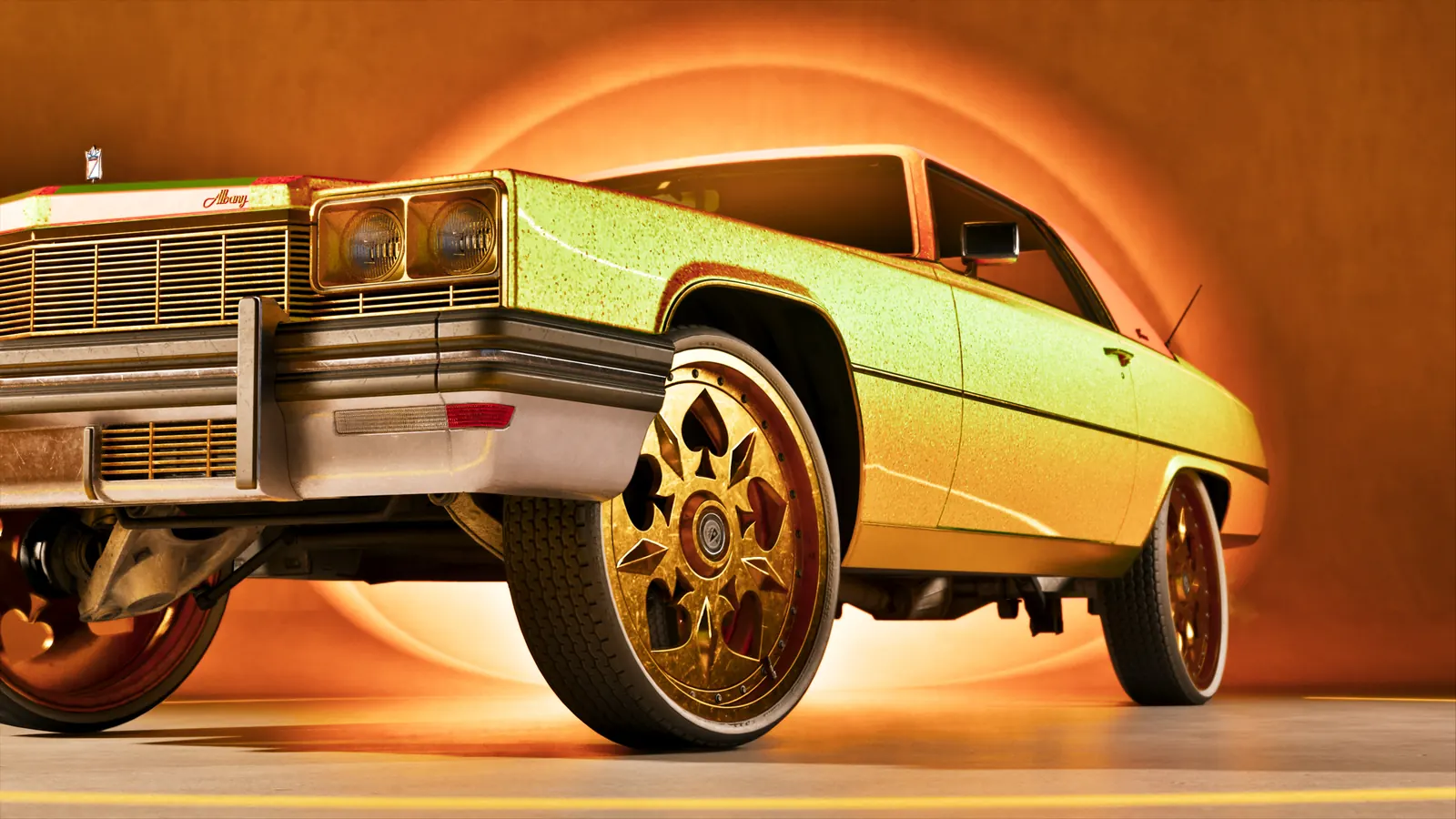 Image: Rockstar Games
 WhatsApp
 Facebook
 X
 Reddit
 Telegram
On this page
How the police search works
Dexerto’s wiki explains that GTA 6 shows icons under your stars for what the police know about you. Getting rid of the stars means taking away each of those clues, not only driving far away.
Beebom’s preview from August, based on press previews and the Netflix Extended Look, describes the same system, so treat its examples as pre-launch.
Steps to escape
- Stop escalating. Shooting officers or hitting pedestrians raises your wanted level and brings more police.
- Break line of sight by turning down alleys and side streets, then use the steps below to finish the job.
- Spotted on CCTV: move to a quieter area with fewer cameras. Beebom adds that a mask worn before the crime keeps cameras from capturing your face.
- Searching for a couple: split Jason and Lucia up so the police lose the pair.
- Clothing known: change outfits at a shop such as Stock 305.
- Physical description known: put a hat on or take it off, or change your hair at a salon such as Sara’s Unisex Salon.
- Weapon known: stash the weapon you used.
- Vehicle known: switch cars, or respray at a mod shop and change the plates if you can.
- Above three stars, Beebom says to leave the car and use alleys, side streets or fences on foot.
After you get away
Dexerto warns that your wanted level stays unchanged in Hot Areas, and the chase restarts if police recognise you. Keep your new look on if you return.
Our view
The icon-by-icon method comes from one wiki and one preview. Exact cool-down timings are not stated by either source, so we have not listed any. Our explainer on the six-star system covers how the levels escalate.
Sources
What to read next
Partly confirmed: one undated wiki and one pre-launch preview
Who said it:No Rockstar guide; Dexerto wiki (undated) and a Beebom preview from 28 Aug 2026.Sources:Dexerto and Beebom.Our view:Method matches across both sources, but neither gives timings; some details may change with patches.Checked:20 Nov 2026.
Frequently asked questions
How do I lose a wanted level in GTA 6?
Break line of sight, then clear each police info icon by changing car, clothes, look or weapon, per Dexerto.
What do the police icons mean?
They show what officers know: CCTV footage, a couple, your clothes, your description, your weapon or your vehicle.
Do I need to split up Jason and Lucia?
Only when the search is for a couple. Splitting up removes that clue, according to Dexerto and Beebom.
Is the wanted level reset in Hot Areas?
No. Dexerto says the level stays the same there and the chase restarts if you are recognised.
Latest news
News
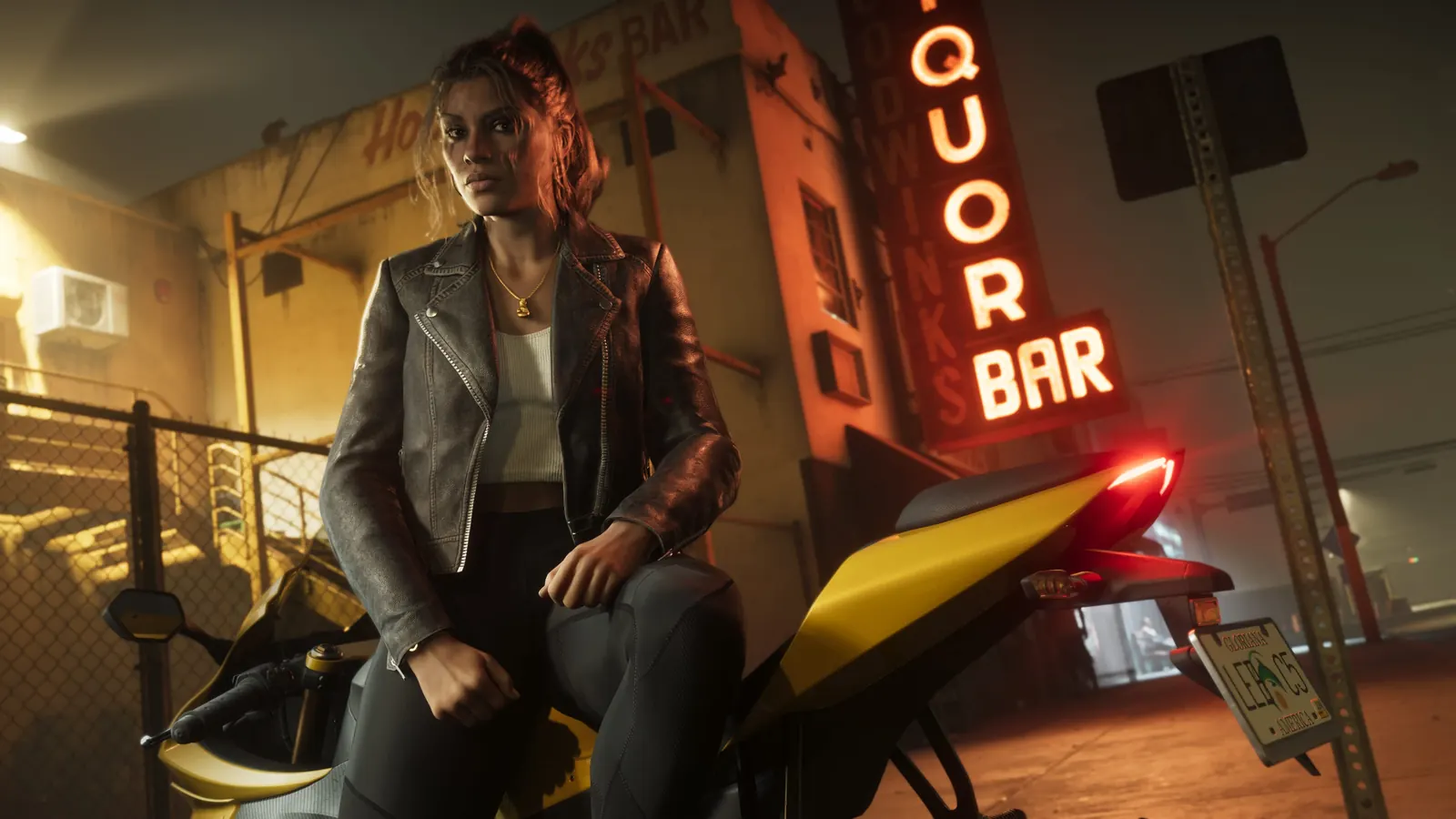
GTA 6 Overnight Charges: Should You Give Linda the Necklace?
Made by fans, for every GTA 6 player. Unofficial guide, not affiliated with Rockstar Games or Take-Two.Unofficial guide. GTA6Geek TrailersGuidesDatabaseMapCharactersYour countryPriceNews Language…
By Jake Morrison · Published November 20, 2026

News
GTA 6 Challenges: 80 Goals, Trophy Threshold and Race Rules
Made by fans, for every GTA 6 player. Unofficial guide, not affiliated with Rockstar Games or Take-Two.Unofficial guide. GTA6Geek TrailersGuidesDatabaseMapCharactersYour countryPriceNews Language…
By Jake Morrison · Published November 20, 2026
News
How to Save in GTA 6: Manual Saves and Autosave
Made by fans, for every GTA 6 player. Unofficial guide, not affiliated with Rockstar Games or Take-Two.Unofficial guide. GTA6Geek TrailersGuidesDatabaseMapCharactersYour countryPriceNews Language…
By Mia Carter · Published November 20, 2026
News
GTA 6 Photo Mode and Phone Camera: How to Use Them
Made by fans, for every GTA 6 player. Unofficial guide, not affiliated with Rockstar Games or Take-Two.Unofficial guide. GTA6Geek TrailersGuidesDatabaseMapCharactersYour countryPriceNews Language…
By Mia Carter · Published November 20, 2026
Related articles
 Image: Rockstar Games
 Image: Rockstar Games
 Image: Rockstar Games
 Image: Rockstar Games
 Image: Rockstar Games
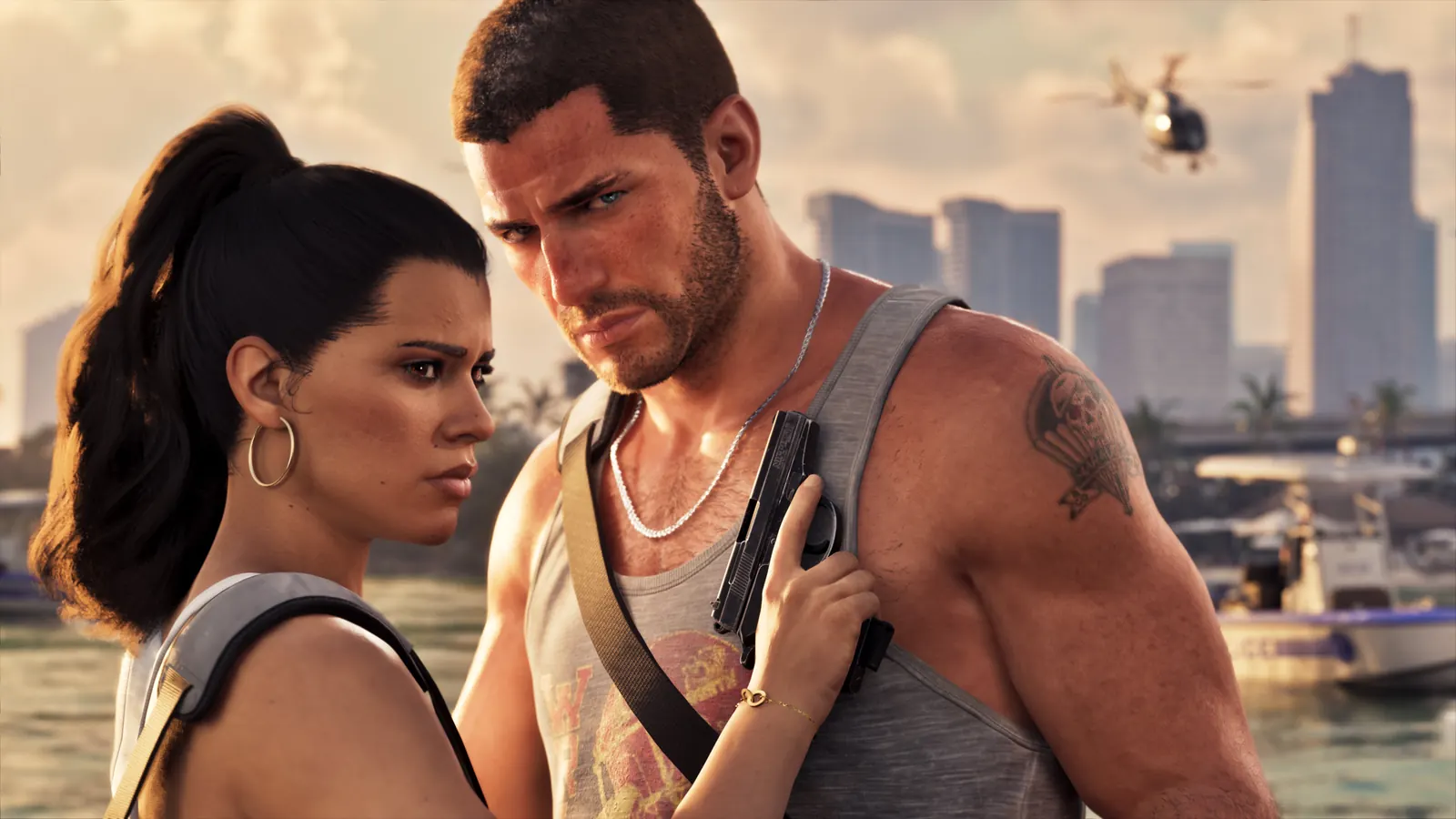 Image: Rockstar Games
🔔 Get GTA 6 news by email
We email you when we publish new GTA 6 news. No spam, unsubscribe any time.