GTA 6 Photo Mode and Phone Camera Guide
Short answer: Open Photo Studio from the pause menu to use GTA 6 photo mode, and use the Camera app on your in-game phone for selfies; you cannot change the time of day or weather in photo mode.
By Mia Carter · Sources checked by GTA6Geek Editorial · Published · Last updated · 4 min read
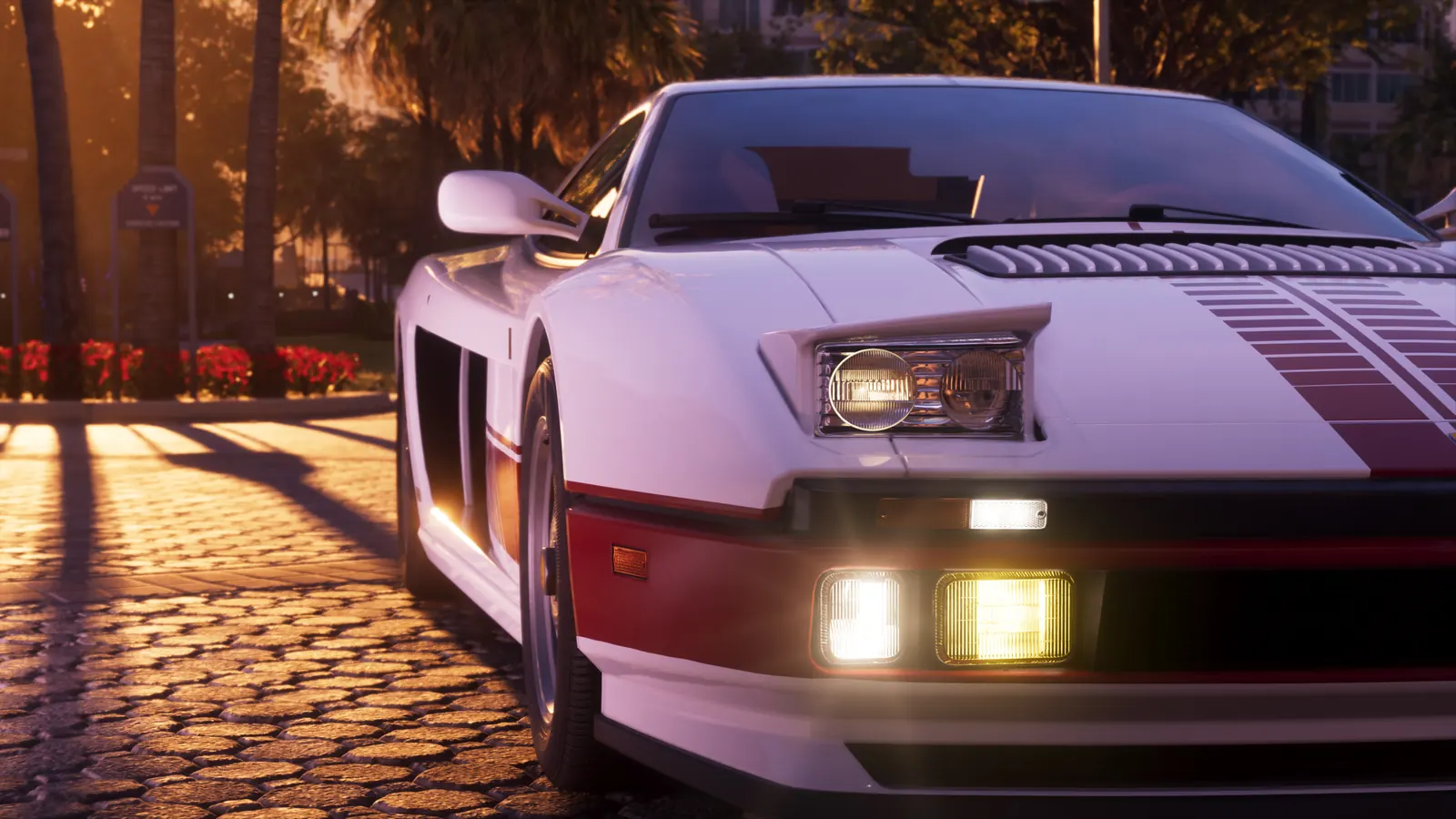 Image: Rockstar Games
 WhatsApp
 Facebook
 X
 Reddit
 Telegram
On this page
Photo Studio (photo mode)
- Beebom says it is available from the start of Lucia’s prologue, with no mission needed.
- Pause the game (Options on PS5, Menu on Xbox Series X|S) and choose Photo Studio. Insider Gaming also lists a button shortcut: Square on PlayStation, X on Xbox.
- Adjust camera angle, depth of field, filters and the colour palette, and hide your character if you want an empty shot.
- Add up to five lights, each with its own colour and intensity, according to Beebom.
- Save the shot, or hide the interface and use your console’s screenshot button.
- It works during cutscenes, but some options show “Currently Unavailable”.
What photo mode cannot do
Both guides agree you cannot change the time of day or weather from Photo Studio. Insider Gaming also mentions a vignette effect among the pre-made filters.
Phone camera and selfies
- Beebom says the Camera app unlocks after the prologue, once you take control of Jason.
- Press up on the D-pad to open the phone, open Camera, switch to the front camera, frame the shot and take the photo.
- Selfies offer six poses and seven expressions, with control over your partner’s pose in joint shots.
- The rear camera has up to 5x zoom, grid lines and 17 filters.
- Photos are kept in the Gallery app.
Snapmatic
Insider Gaming describes Snapmatic as a phone app for browsing other people’s photos, liking them, reading comments and marking where a photo was taken on your map. It says you cannot post your own photos there.
Our view
Both guides agree on the main steps. Details such as the number of poses and filters come from a single guide, so they may change after launch patches.
Sources
What to read next
Partly confirmed: two outlets agree on the core steps
Who said it:No Rockstar guide; Beebom (18-19 Nov 2026) and Insider Gaming (undated).Sources:Beebom and Insider Gaming.Our view:Core steps match; counts of poses, filters and lights come from one guide and are unconfirmed.Checked:20 Nov 2026.
Frequently asked questions
Does GTA 6 have photo mode?
Yes. Photo Studio is opened from the pause menu, per Beebom and Insider Gaming.
Can I change the weather in photo mode?
No. Both guides say time of day and weather cannot be changed.
How many lights can I add?
Beebom says up to five, each with colour and intensity controls.
How do I take a selfie?
Open the phone with up on the D-pad, choose Camera and switch to the front camera, per Beebom.
Latest news
News
GTA 6 Overnight Charges: Should You Give Linda the Necklace?
Made by fans, for every GTA 6 player. Unofficial guide, not affiliated with Rockstar Games or Take-Two.Unofficial guide. GTA6Geek TrailersGuidesDatabaseMapCharactersYour countryPriceNews Language…
By Jake Morrison · Published November 20, 2026
News
GTA 6 Challenges: 80 Goals, Trophy Threshold and Race Rules
Made by fans, for every GTA 6 player. Unofficial guide, not affiliated with Rockstar Games or Take-Two.Unofficial guide. GTA6Geek TrailersGuidesDatabaseMapCharactersYour countryPriceNews Language…
By Jake Morrison · Published November 20, 2026
News
How to Save in GTA 6: Manual Saves and Autosave
Made by fans, for every GTA 6 player. Unofficial guide, not affiliated with Rockstar Games or Take-Two.Unofficial guide. GTA6Geek TrailersGuidesDatabaseMapCharactersYour countryPriceNews Language…
By Mia Carter · Published November 20, 2026

News
GTA 6 on PC via Remote Play: Official Setup
Made by fans, for every GTA 6 player. Unofficial guide, not affiliated with Rockstar Games or Take-Two.Unofficial guide. GTA6Geek TrailersGuidesDatabaseMapCharactersYour countryPriceNews Language…
By Mia Carter · Published November 20, 2026
Related articles
 Image: Rockstar Games
 Image: Rockstar Games
 Image: Rockstar Games
 Image: Rockstar Games
 Image: Rockstar Games
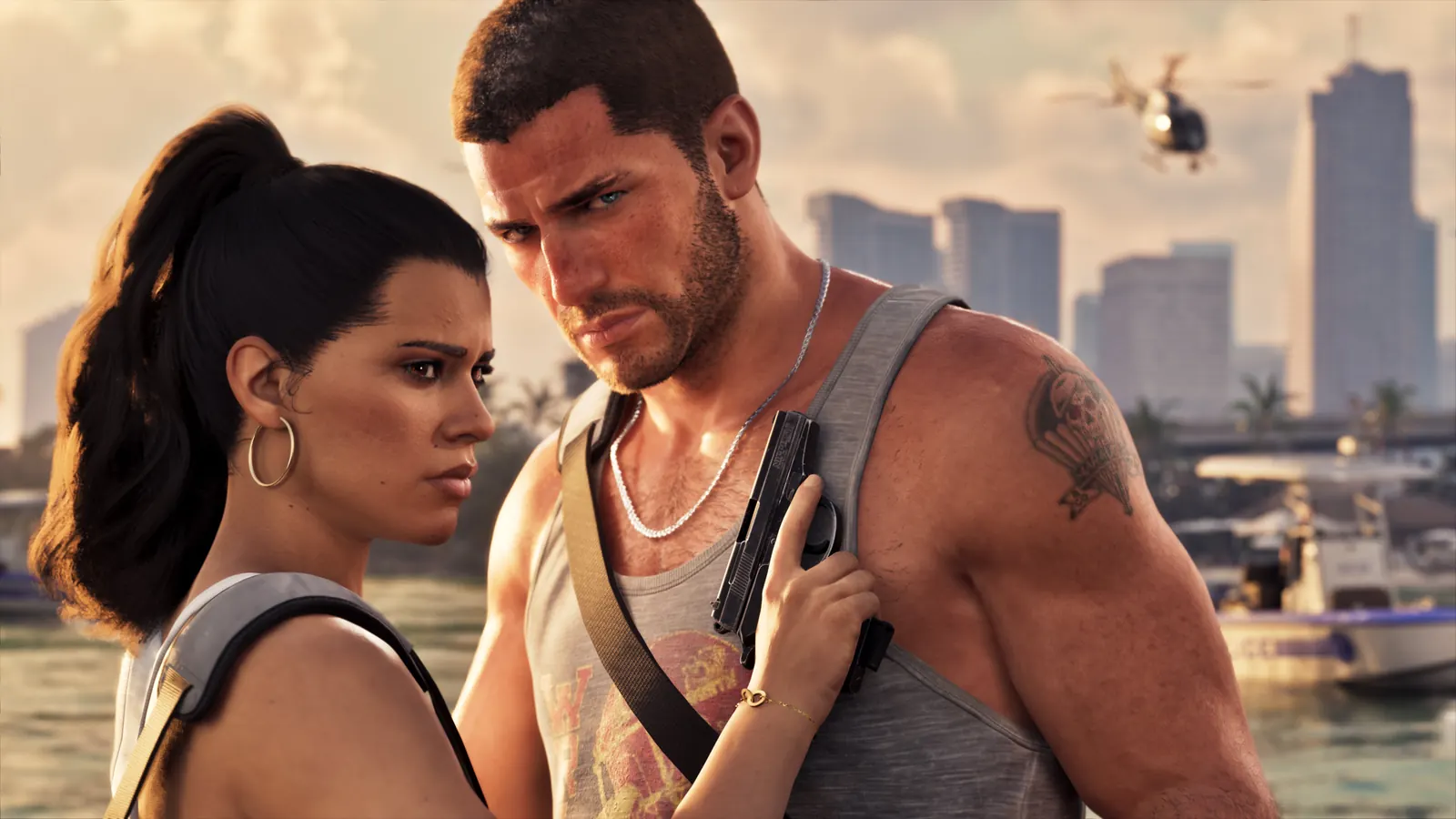 Image: Rockstar Games
🔔 Get GTA 6 news by email
We email you when we publish new GTA 6 news. No spam, unsubscribe any time.