GTA 6 on PC via Remote Play: Official Setup
Short answer: The only legitimate way to see GTA 6 on a PC screen is to stream it from your own PS5 or Xbox with the official Remote Play apps. Rockstar confirmed Remote Play support, but has not named PC as a tested target.
By Mia Carter · Sources checked by GTA6Geek Editorial · Published · Last updated · 5 min read
 Image: Rockstar Games
 WhatsApp
 Facebook
 X
 Reddit
 Telegram
On this page
What is confirmed
Rockstar says GTA 6 will fully support Remote Play on PlayStation and Xbox, according to Dexerto. Remote Play sends the picture from a console you own to another screen. It is not the same as Xbox Cloud Gaming, which Xbox says is for Xbox consoles only and not for PC (Shacknews). You still need a PS5 or Xbox Series X|S with the game on it, and you must own the game.
PlayStation: PS Remote Play on Windows
Steps from the official PlayStation support page:
- On the PS5, open Settings, then System, then Remote Play, and turn on Enable Remote Play.
- For waking the console from rest mode, enable the network options under Power Saving in Rest Mode.
- On the PC, install the PS Remote Play app and sign in with the same PlayStation account.
- Select your console. If it is not found, use manual pairing with the number shown on the console.
Sony lists Windows 10 or 11 (64-bit), a 7th-gen Intel Core or newer, 2 GB RAM, a DualSense, DualSense Edge or DUALSHOCK 4 on USB, and at least 5 Mbps up and down, with 15 Mbps for best results.
Xbox: Remote Play on Windows
Steps from the official Xbox page:
- Turn on remote features on your Xbox Series X|S or Xbox One.
- Keep the console on or in Instant-On mode.
- Connect a supported controller to the PC.
- Go to the Xbox remote play site on the PC and start the game.
Xbox lists Windows 10 or 11 (22H2 or later), a Microsoft account with an Xbox profile, and 5 GHz Wi-Fi or mobile data at 10 Mbps or more. The page does not give GTA 6 specific settings.
What is not confirmed
- Rockstar has not named PC or handhelds as supported Remote Play screens (Dexerto).
- The support pages list controllers. They do not promise keyboard and mouse play.
- We found no verified player test of GTA 6 over Remote Play on PC at launch, so quality and lag are unknown.
- A native PC version is not announced. See what is officially confirmed.
Our view
Try it on a wired or strong 5 GHz connection and judge for yourself. Do not pay for third-party tools that promise a PC version. Unofficial or leaked builds are not legitimate and are not supported here.
Sources
What to read next
● Reported: official apps exist, GTA 6 on PC is untested
Who said it: Rockstar Games on Remote Play support for PlayStation and Xbox (via Dexerto); setup details come from the official PlayStation and Xbox support pages.
Sources: PlayStation Support, Xbox.com, Dexerto, Shacknews.
Our view: The setup steps are official. Whether GTA 6 runs well over them on a PC is not confirmed, so expect to test it yourself.
Checked: 20 Nov 2026.
Frequently asked questions
Can I play GTA 6 on PC with Remote Play?
Rockstar supports Remote Play from PlayStation and Xbox. PC as the screen is not specifically confirmed, but the official Windows apps exist.
Do I need a console?
Yes. Remote Play streams from a PS5 or Xbox that has the game.
Is this the same as Xbox Cloud Gaming?
No. Cloud Gaming runs on Xbox servers and, per Xbox, is not offered for GTA 6 on PC.
Can I use a keyboard and mouse?
The support pages list controllers and do not promise it.
Latest news
News
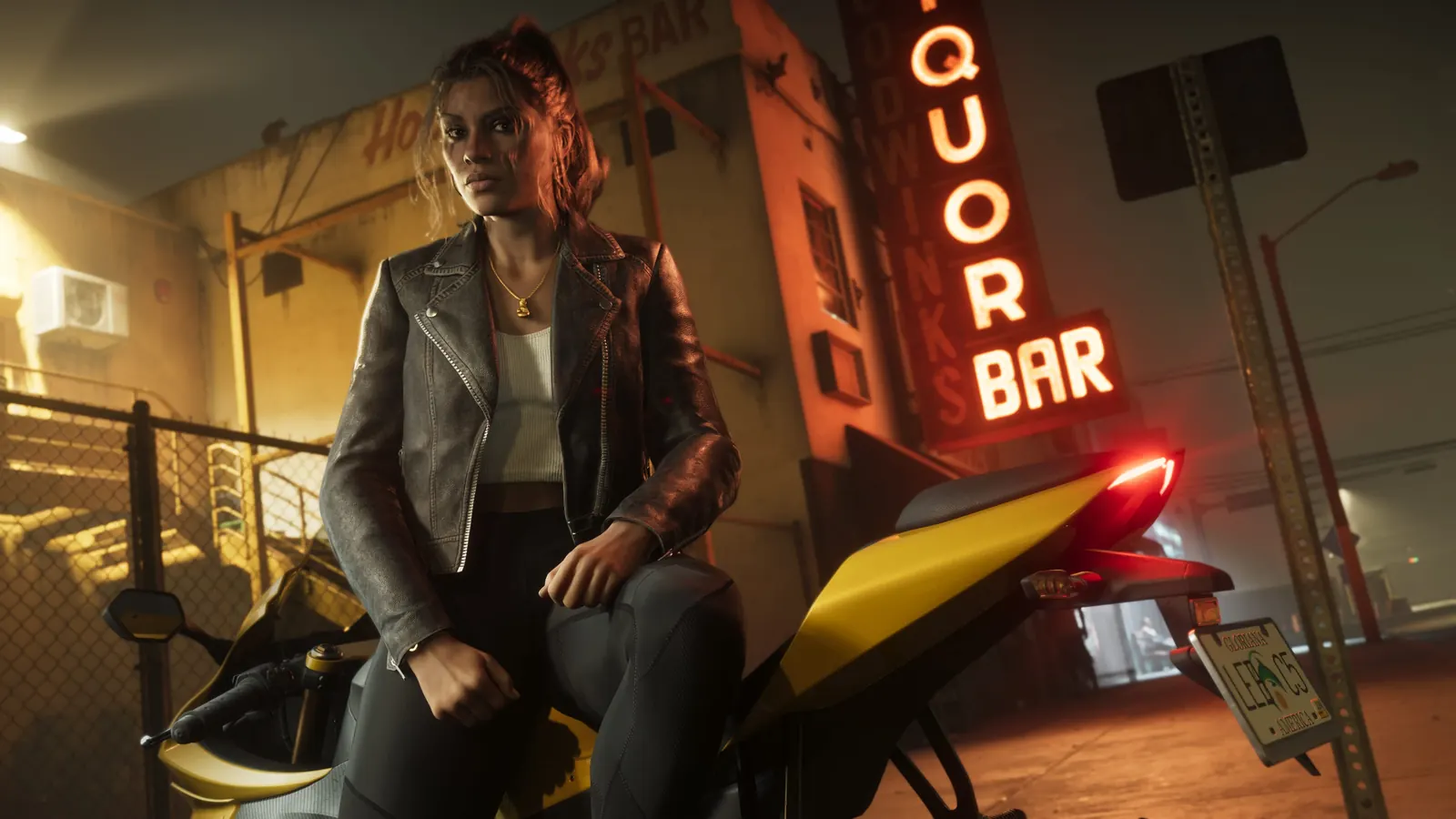
GTA 6 Overnight Charges: Should You Give Linda the Necklace?
Made by fans, for every GTA 6 player. Unofficial guide, not affiliated with Rockstar Games or Take-Two.Unofficial guide. GTA6Geek TrailersGuidesDatabaseMapCharactersYour countryPriceNews Language…
By Jake Morrison · Published November 20, 2026
News
GTA 6 Challenges: 80 Goals, Trophy Threshold and Race Rules
Made by fans, for every GTA 6 player. Unofficial guide, not affiliated with Rockstar Games or Take-Two.Unofficial guide. GTA6Geek TrailersGuidesDatabaseMapCharactersYour countryPriceNews Language…
By Jake Morrison · Published November 20, 2026
News
How to Save in GTA 6: Manual Saves and Autosave
Made by fans, for every GTA 6 player. Unofficial guide, not affiliated with Rockstar Games or Take-Two.Unofficial guide. GTA6Geek TrailersGuidesDatabaseMapCharactersYour countryPriceNews Language…
By Mia Carter · Published November 20, 2026
News
GTA 6 Photo Mode and Phone Camera: How to Use Them
Made by fans, for every GTA 6 player. Unofficial guide, not affiliated with Rockstar Games or Take-Two.Unofficial guide. GTA6Geek TrailersGuidesDatabaseMapCharactersYour countryPriceNews Language…
By Mia Carter · Published November 20, 2026
Related articles
 Image: Rockstar GamesImage: Rockstar Games
 Image: Rockstar Games
 Image: Rockstar Games
 Image: Rockstar Games
 Image: Rockstar Games
🔔 Get GTA 6 news by email
We email you when we publish new GTA 6 news. No spam, unsubscribe any time.